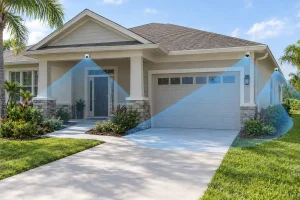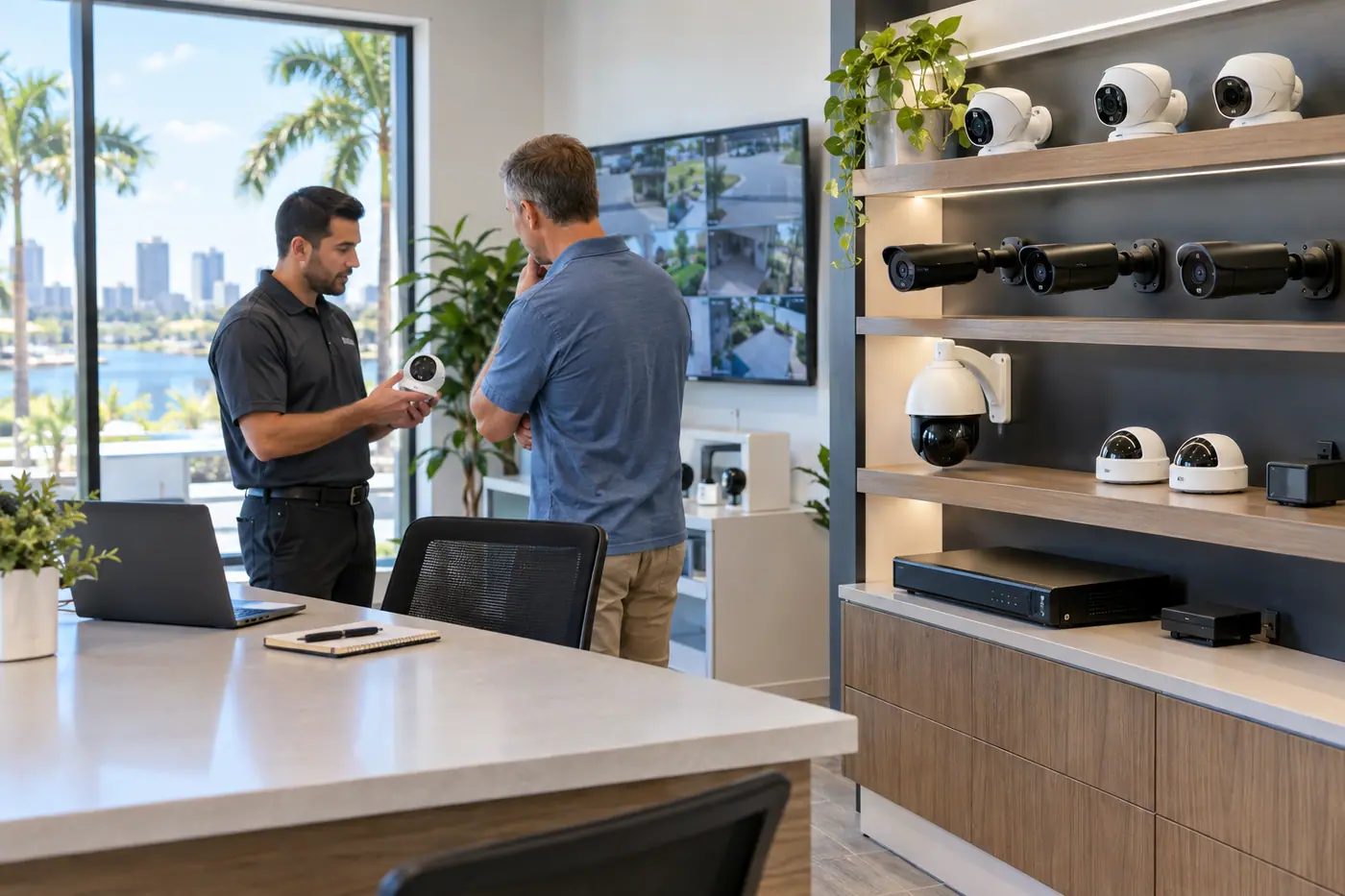
If you are looking for a security camera showroom Orlando Edgewater shoppers can visit to discuss system options, start by clarifying what you need to protect and what you want to learn. A showroom visit can help you compare camera shapes and ask how recording, night vision, remote viewing, and installation fit together. HD Cameras USA lists an Orlando showroom at the address below. Confirm visiting arrangements directly before setting out, since current hours, demonstrations, and product availability are not verified here.
4215 Edgewater Dr, Orlando, FL 32804
(800) 570-8539
View the showroom listing on Google Maps
Call before traveling to confirm whether visitors are welcome at your preferred time and whether the equipment you want to discuss can be demonstrated. This guide does not verify current hours, appointments, demonstrations, or product availability.
What a showroom visit can help you evaluate
Product pictures and specification sheets are useful, but they do not always make it easy to understand physical size, lens direction, or how different camera housings are intended to be mounted. Seeing equipment in person can make those comparisons more concrete. The purpose of a visit is not simply to choose the camera that looks most impressive. It is to discuss which equipment fits the scene, recording needs, wiring conditions, and budget you have in mind, without assuming a particular product is in stock.
Before you go, call the listed number to ask whether the showroom is open to visitors, whether an appointment is needed, and whether the specific equipment you want to compare can be demonstrated. Those details can change, and this guide does not confirm live inventory, hours, or demonstration availability.
Compare camera types by the scene they need to cover
Camera style is only one part of system design, but it can shape where a camera can be mounted and how it covers a space. Ask to discuss the following options in relation to your site rather than choosing from appearance alone:
- Turret cameras: A compact style often considered for indoor and outdoor coverage. Ask how the intended mounting position affects the view and whether glare or nearby surfaces could interfere.
- Bullet cameras: Their visible, directional shape can suit a clearly defined area. Discuss the field of view and placement needed to cover an entrance, loading area, or side passage without leaving a blind spot.
- PTZ cameras: Pan, tilt, and zoom functions allow an operator to change the view. Ask what is covered when the camera is pointed elsewhere and whether fixed cameras are also needed for continuous coverage of key areas.
- Varifocal cameras: An adjustable lens can help set the viewing angle during configuration. Ask how the selected lens range relates to the distance and detail required at the location.
- IP cameras: These send video over a network and are often used with network video recorders. Discuss network capacity, power, cable paths, and whether the existing infrastructure is suitable.
These are general distinctions, not a promise that every model is available to inspect. Bring a short list of locations you want covered, such as a front door, reception desk, driveway, stockroom, or shared building entrance. A simple sketch can make a conversation about lens direction and mounting positions more productive.
Prepare the details that make a system conversation useful
For a useful conversation at a security camera showroom in Orlando, bring information about the property and the outcome you want. Photos taken from safe, accessible positions can help explain a view, but do not photograph private areas or other people without permission. For a business, note operating hours, entry points, customer areas, inventory zones, and any restrictions on drilling or running cable. For a home or condominium, identify the areas you control and check association rules before planning exterior equipment or shared wiring.
- A rough floor plan or site sketch, marked with entrances and areas of concern.
- Approximate distances and mounting heights, if known.
- Whether the system is for a house, condominium, retail unit, office, warehouse, or another property type.
- Existing equipment details, including recorder model, camera connections, and network equipment if available.
- Your preferred recording retention period and who needs access to live or recorded video.
- Any constraints on cable routes, power outlets, internet access, or building permissions.
Do not assume a new camera will work with an older recorder just because both devices use a familiar connector or network connection. Ask about compatibility by model, supported standards, resolution, and required configuration. If you cannot identify existing equipment, take clear photos of its labels and connections, while avoiding passwords or other sensitive information.
Ask how the complete system works
A camera is one component in a larger system. Ask what records the footage, how recording is triggered, how the system is monitored, and what happens if the internet connection is unavailable. For a network video recorder (NVR), discuss the number of channels, storage capacity, recording settings, and expected retention. The amount of time footage remains available depends on factors such as storage size, camera count, resolution, frame rate, and whether recording is continuous or event-based. No single retention period applies to every setup.
Also ask what night vision can show at the actual site. Infrared specifications alone do not guarantee useful identification if a subject is too far away, a scene has reflective surfaces, or the camera angle is poor. A daylight and nighttime site assessment can help determine placement and whether additional lighting is appropriate. Ask how remote phone viewing is configured, which users can access the system, and what account-security practices are recommended.
If you need coverage at a gate or controlled entrance, ask whether access control should be planned alongside the cameras. Card readers, credentials, door hardware, and event logs have different roles from video surveillance, though they can form part of a coordinated security plan. Businesses considering overhead announcements or background audio can separately ask whether a commercial sound or PA system is relevant to their property.
Installation questions to settle before choosing equipment
In-person equipment comparison is only one step. A professional installation discussion should address where cameras will be mounted, how cables will reach the recorder or network, and how the system will be tested. Wired systems may require cable runs through walls, ceilings, or conduit. The route must account for the building structure, applicable fire and electrical requirements, weather exposure, and permission to access shared spaces. Ask who handles those decisions and whether a site visit is needed to confirm them.
Clarify the proposed scope in writing before work begins. It should identify the equipment, intended camera locations, recording method, network or power requirements, configuration, and any work excluded from the plan. Ask how the installer verifies the view from each camera, tests recording and playback, sets up authorized remote users, and explains system operation. Request the applicable written warranty terms for equipment and workmanship rather than relying on a general statement that a system is covered.
For information about the Orlando location and related services, see HD Cameras USA’s Orlando showroom and access-control page. Verify visit details with the company directly; this guide does not confirm current showroom hours, stock, or appointment availability.
Plan your visit around the property requirements
The showroom address is on Edgewater Drive in Orlando. A homeowner may focus on a driveway and entrances, while a small business may need to consider customer areas, stock, staff access, and after-hours recording. Before traveling, prepare the questions that apply to your property so the discussion can stay focused on practical decisions.
If the property is in a condominium or managed community, check who is responsible for exterior walls, common areas, and shared network or electrical spaces. If it is a leased storefront, warehouse, or office, confirm permission for equipment mounting and cable penetrations with the property owner or manager. Those approvals can affect where cameras can go and which cable route is practical.
Questions to ask at the showroom
- Can I visit today, and should I make an appointment?
- Can you confirm whether the camera types or recorder models I want to compare can be demonstrated?
- How will the lens and mounting position cover my specific entrances or work areas?
- Will the proposed cameras work with my existing recorder and network equipment?
- What NVR storage and recording settings fit the retention period I need?
- What cable routes, power, and network capacity would installation require?
- How will remote phone viewing and individual user access be configured?
- What are the written equipment and workmanship warranty terms?
Frequently asked questions
Where is the Orlando Edgewater security camera showroom?
The listed address is 4215 Edgewater Dr, Orlando, FL 32804. Call (800) 570-8539 to confirm visiting arrangements before traveling.
Do I need an appointment to visit?
Appointment requirements and current visiting hours are not verified in this guide. Call the showroom at (800) 570-8539 to confirm whether visitors are accepted at your preferred time.
Can I see every camera model in person?
Do not assume that a particular model is on display or in stock. Call ahead with the brands, camera styles, or recorder models you want to compare and ask what can be demonstrated.
What should I bring when discussing a security camera system?
Bring a site sketch, approximate camera locations, photos of existing equipment labels if applicable, and a list of recording and remote-access needs. For a managed or leased property, check approval requirements before planning work in shared spaces.
Does a showroom visit include an installation assessment?
A product discussion does not by itself confirm that a site has been assessed. Ask whether an on-site evaluation is needed to determine camera placement, cable routes, power, network requirements, and installation scope.
Take the next step
Call (800) 570-8539 to confirm whether the Orlando Edgewater showroom can accommodate your visit and to ask about the equipment you want to discuss. Having your property type, coverage goals, and existing system details ready will help make that first conversation more specific.